 By PrestaTips
Your e-commerce will invariably send emails: registration, finalization of orders or simple contact, you will not be able to miss the configuration of emails.
(Note: Tested on Prestashop 9)
Basic configuration with “Sendmail”
This is the default option Prestashop.
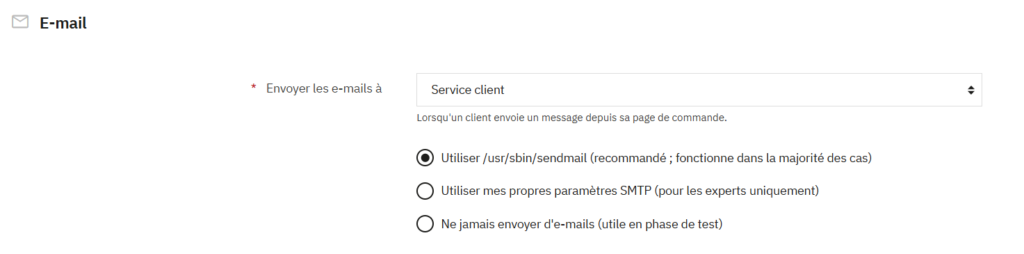
Nothing to fill in, just check the “Use /usr/sbin/sendmail” box:
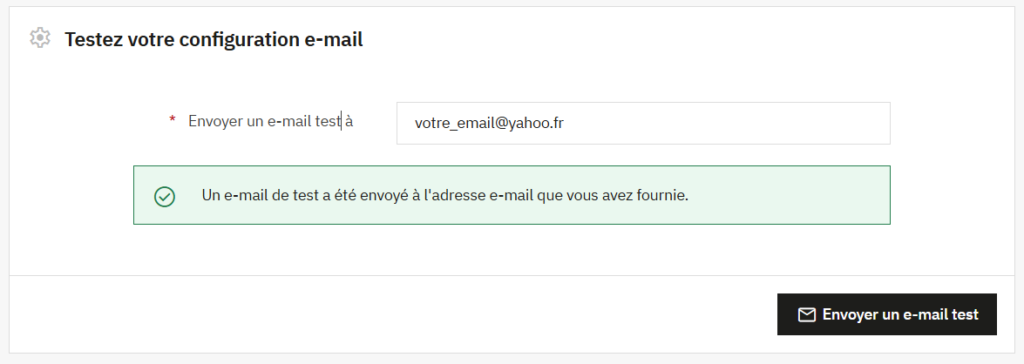
Simply use the test email at the bottom:
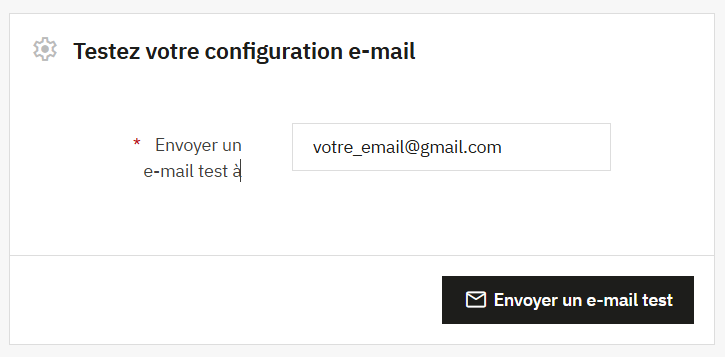
If it works, great! That said, be careful: with this configuration, it is possible that your email falls into the spam !
SMTP configuration
More complex, the configuration SMTP is the classic way to send an email to a site. However, your host must provide you with the possibility of sending an email.
The first step: make sure that the store email has the same email as the one that will send emails (example: contact@yourdomain.com). Indeed, most hosts do not like “spoofing” (sending from an address other than the authenticated one).
If not, you will need to change your store email. If you are not sure what settings to change in Prestashop, you can directly modify it in the database:
Dans la table ps_configuration, changez la valeur de ces IDs :
PS_SHOP_EMAIL
PS_MAIL_USER
MA_MERCHANT_MAILS
Put your typical address there contact@votrenomdedomaine.com
Example with the OVH “MX plan”
Your OVH panel should look like this. Step One: Log in to Webmail to verify that your password is valid. Otherwise reset it with “…”
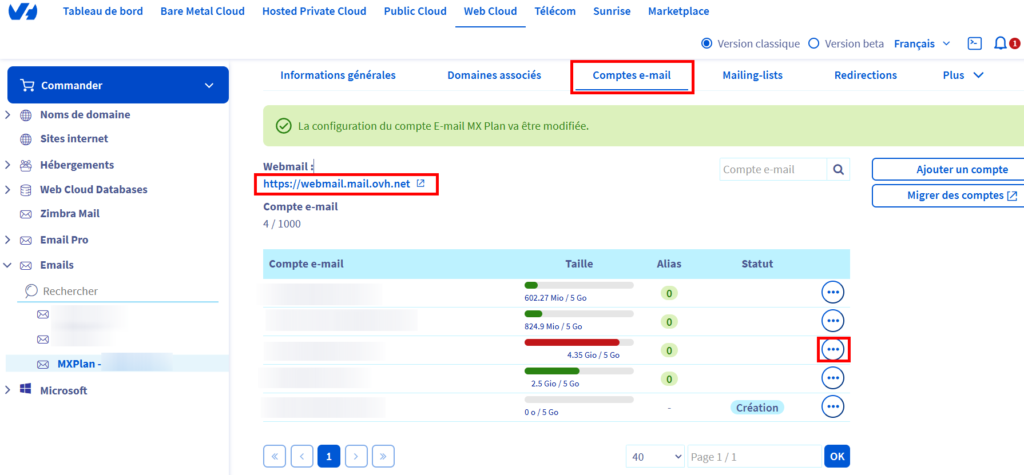
Once that’s done, you’re ready! I’ll give you the magic setup to follow:
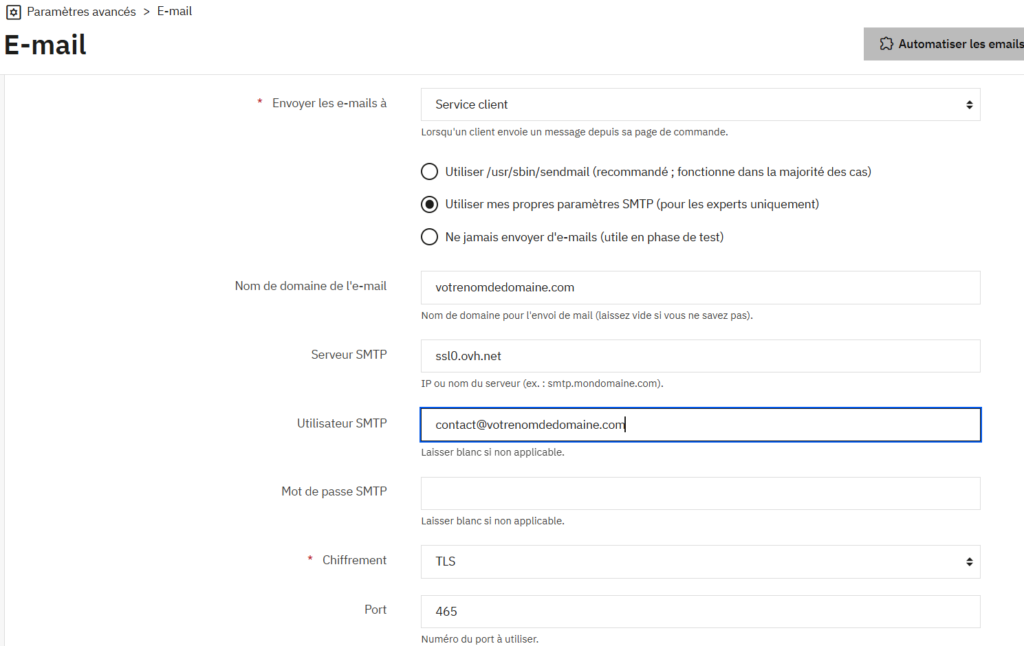
If everything is good, your test email should work:
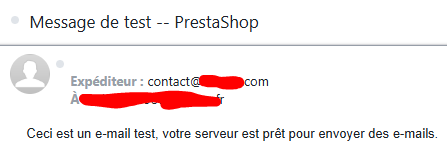
Verify that you have received the test email:
Last thing to configure: the contact form
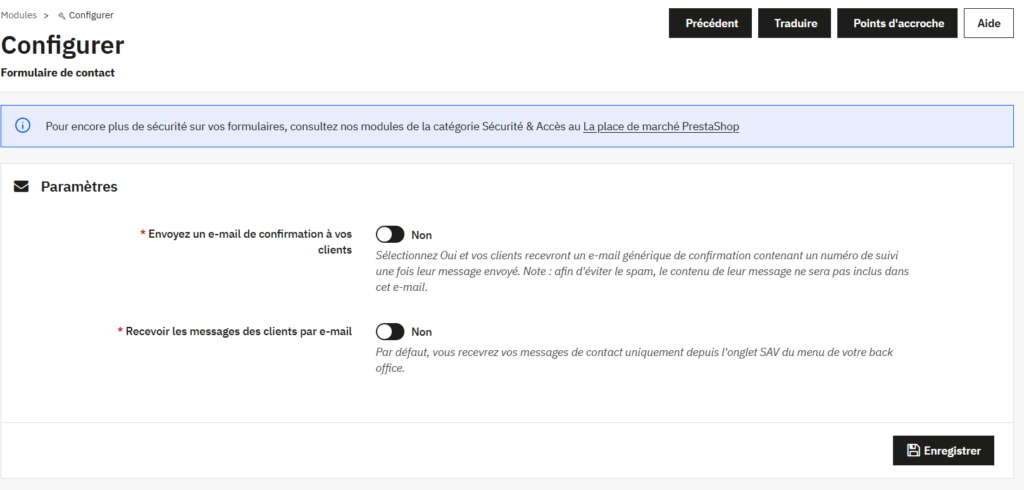
The contact form on Prestashop does not send you emails! In fact, these messages will be stored in after-sales service > after-sales service. If you would like to receive an email systematically, go to the modules:

Click “Configure”, then change settings to “Recieve messages of clients by mail”
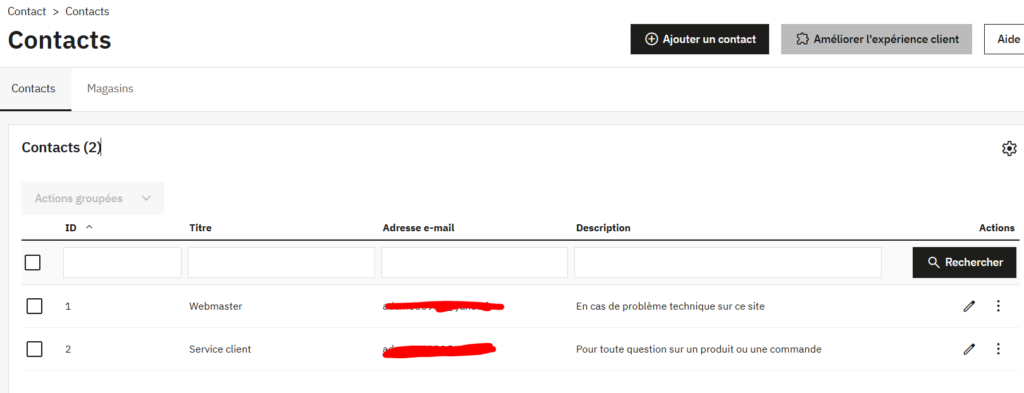
The contact form allows you to display a selection of contacts to whom the email will be addressed (Webmaster, Customer Service, Sales Department, etc…), don’t forget to configure it in Settings > Contact